Friends Font Generator: Create Friends-Style Text Online
Type your text and copy playful, friendship-inspired styles instantly.
What Is Friends Font Generator?
Instant Style Transformation
Turn regular text into stylish text inspired by the playful look people associate with Friends-style lettering.
Copy-Paste Ready Output
Create text styles that are easy to copy and paste into bios, captions, messages, and profile names.
Fancy Text Variety
Explore different Unicode fonts, decorative letters, and clean text styles without installing anything.
Playful Visual Personality
Add a friendly, casual, and memorable tone to your words while keeping the text readable.
Mobile-Friendly Styling
Use the Friends Font Generator comfortably from a phone, tablet, or desktop whenever inspiration hits.
Readable Text Preview
Preview font styles before using them so your final text looks clean on social platforms and chats.
Cross-Platform Text
Use compatible copy and paste fonts across many websites, apps, profiles, and messaging spaces.
Fast Creative Workflow
Save time by generating styled text quickly instead of manually searching for fancy text characters.
Where Can You Use Friends Font Generator Styles?
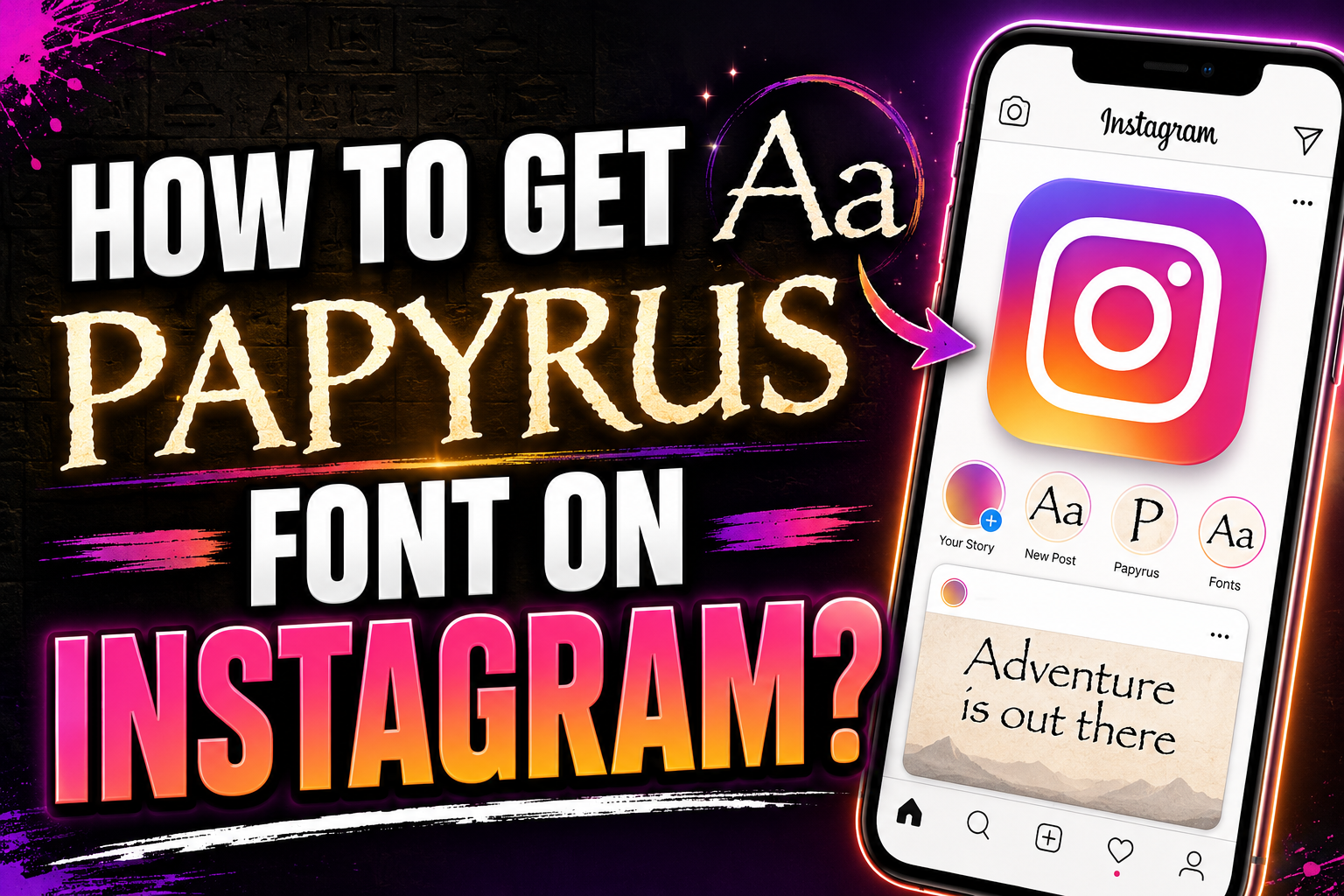
Instagram Bio Styling
Give your profile fonts a more recognizable look in bios, highlights, names, and short captions.
TikTok Caption Flair
Make short captions, usernames, and comment text feel more expressive without overcomplicating them.
YouTube Title Accents
Add light fancy text touches to channel names, descriptions, community posts, or themed video titles.
Chat Message Highlights
Use stylish text in casual messages when you want a phrase, name, or inside joke to stand out.
Profile Name Upgrades
Create cleaner display names for social accounts, gaming spaces, forums, and community profiles.
Creative Post Text
Pair font styles with photo captions, quote posts, story text, and themed social media graphics.
Community Server Names
Style nicknames, channel labels, and short announcements for a more personal community feel.
Light Message Branding
Use decorative text sparingly in greetings, signatures, or themed notes where personality matters.
How Can Friends Font Generator Give Better Results?
Short Text Works Best
Names, punchy captions, and brief phrases usually look sharper than long paragraphs in fancy text.
Preview Before Posting
Check the final style on your target app so the Unicode fonts stay readable and balanced.
Mix Styles Carefully
Combine text styles with restraint so your profile or caption feels polished instead of crowded.
Keep Words Clear
Choose font styles that preserve letter shapes, especially for usernames, names, and searchable text.
Match Your Mood
Select playful, soft, bold, or minimal text styles depending on the tone of your content.
Avoid Overdecorating Text
Use fancy text accents where they add meaning, not on every word in a bio or caption.
Test Multiple Variations
Try several styles before choosing one, because small differences can change the whole feel.
Prioritize Easy Reading
The best social media fonts look distinctive while still being simple for followers to understand.